
CacheGuard-OS

All CacheGuard Appliances run on CacheGuard-OS, a Linux-based operating system built from the ground up and specifically designed to secure and optimize network traffic. Once installed on either a hardware or virtual machine, the OS transforms that machine into a powerful and user-friendly network appliance.
Great care has been taken to select the best open-source technologies for integration into CacheGuard-OS. The OS includes powerful software such as OpenSSL, NetFilter, IProute2, StrongSwan, ClamAV, Apache, ModSecurity, and Squid, among others. A smart and highly secure design, combined with specific open-source developments, ensures that these technologies work together seamlessly and efficiently. That’s the brilliance of CacheGuard-OS, the unique OS that transforms an x86/x64 machine into a powerful, easy-to-use network security appliance in just a few minutes!
An Innovative Solution

CacheGuard-OS ensures that heterogeneous open-source software runs consistently and seamlessly together. This is achieved through a smart design and the development of over 200,000 lines of open-source code. With the OS, the complexity of the built-in software is hidden behind the scenes. All you need to do is turn the key and enjoy the benefits.
CacheGuard-OS Configuration
After installing the OS on a machine and setting up the basic IP configuration, the resulting network appliance can be managed and configured through its CLI (Command Line Interface) and/or its Web GUI using a web browser. The Web GUI is designed to be user-friendly and easy to navigate, even for non-IT professionals. Special attention has been given to ensure compatibility with popular web browsers such as Firefox, Safari, Opera, Chrome, and Edge. You can explore CacheGuard-OS demos on our YouTube channel at CacheGuard YouTube Channel.
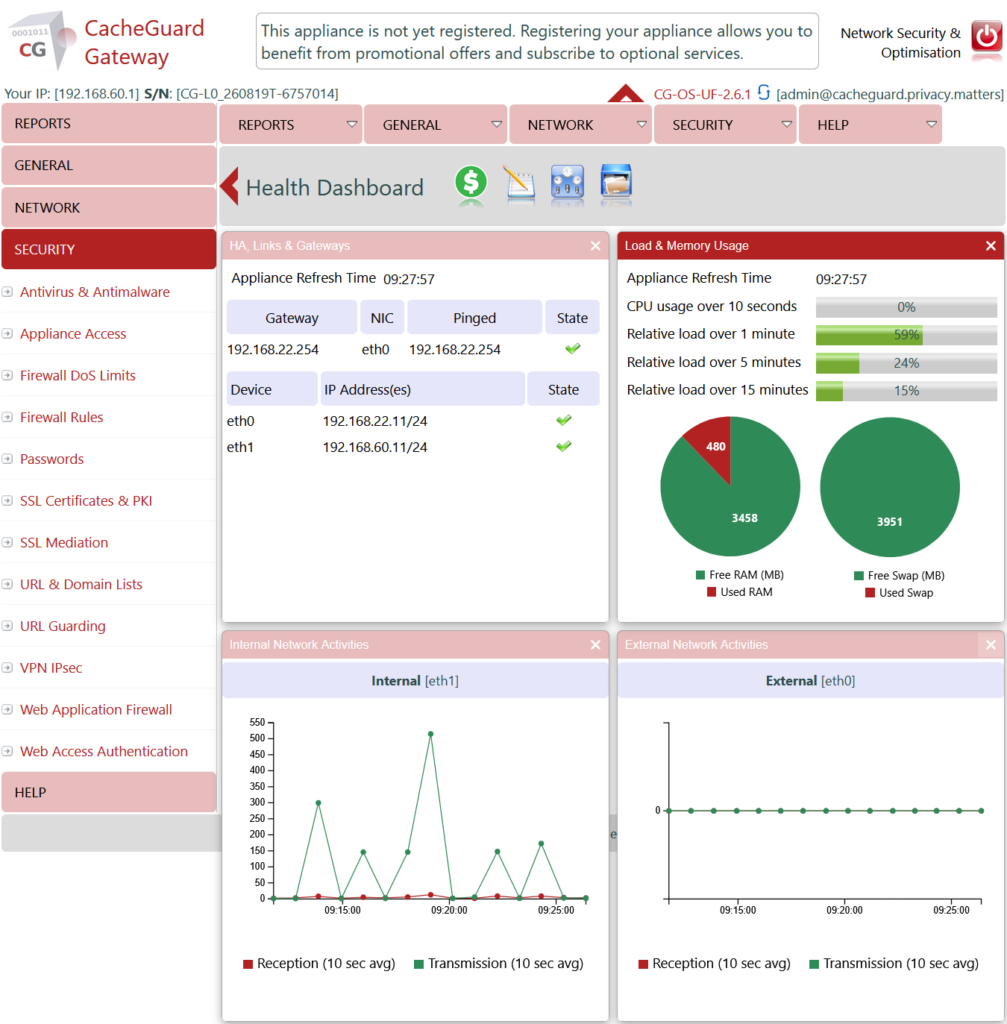
CacheGuard-OS allows you to implement complex network and security solutions with an expert-level tool while requiring only basic knowledge, so you can focus on your core business. Most of the time, knowing what an IP address and a gateway are is enough to deploy it.
Machine Requirements for CacheGuard-OS
CacheGuard-OS is available in both x86 (32-bit) and x64 (64-bit) versions, and is compatible with nearly all x86/x64 machines from leading manufacturers such as HPE, Dell, and IBM, as well as hypervisors like VMware, Hyper-V, and Proxmox. The system’s resource requirements primarily depend on the number of users you need to support and the services you intend to activate.
The OS can be installed as either a Gateway or a Manager. In most cases, you will install it as a Gateway to deploy the resulting network security appliance in front of your LAN. However, if you operate multiple Gateways, installing it as a Manager allows you to centrally manage Gateways.
Machine Requirements for Gateway Installation
During installation, CacheGuard-OS is tuned to optimize performance based on the available machine resources and user load. For example, for 100 forwarding users (20 simultaneous users), a typical machine configuration might include 4 CPU cores, 8 GB of RAM, 250 GB of disk space, and 2 network interfaces.
For environments with more users, we recommend selecting a machine with additional RAM, CPU cores, and disk capacity. As a general guideline, add 1 GB of RAM and 1 CPU core for every additional 10 simultaneous users. Additionally, you may need to increase disk capacity by 75 GB for every extra 50 non-simultaneous users.
Please note that for hardware machines, CacheGuard-OS performs more efficiently with multiple low-capacity disks configured in RAID, as opposed to using a single high-capacity disk. The OS natively supports software RAID 0, 1, 5, 6, and 10, using only 3% of CPU resources.
With CacheGuard-OS, you can activate most integrated security and optimization functions simultaneously on the same machine. Some functions, such as HTTP real-time compression and antivirus, are more CPU-intensive. For example, activating antivirus requires approximately 2 GB of RAM. The recommended machine configuration above allows you to enable all available features at once, though you may need fewer resources if you only activate a subset of features.
Please note that the 64-bit installation of CacheGuard-OS requires at least 512 MB of RAM and 20 GB of disk space.
Machine Requirements for Manager Installation
During installation, CacheGuard-OS is tuned to optimize performance based on the available machine resources and Gateways to manage. For example, to manage 20 CacheGuard Gateways, a typical machine configuration might include 2 CPU cores, 1 GB of RAM, 30 GB of disk space, and 1 network interfaces.
With the Manager, you can create configuration templates and deploy consistent configurations across multiple gateways. You can learn more about the gateway on the Gateway Manager page.
CacheGuard Web GUI Screenshots
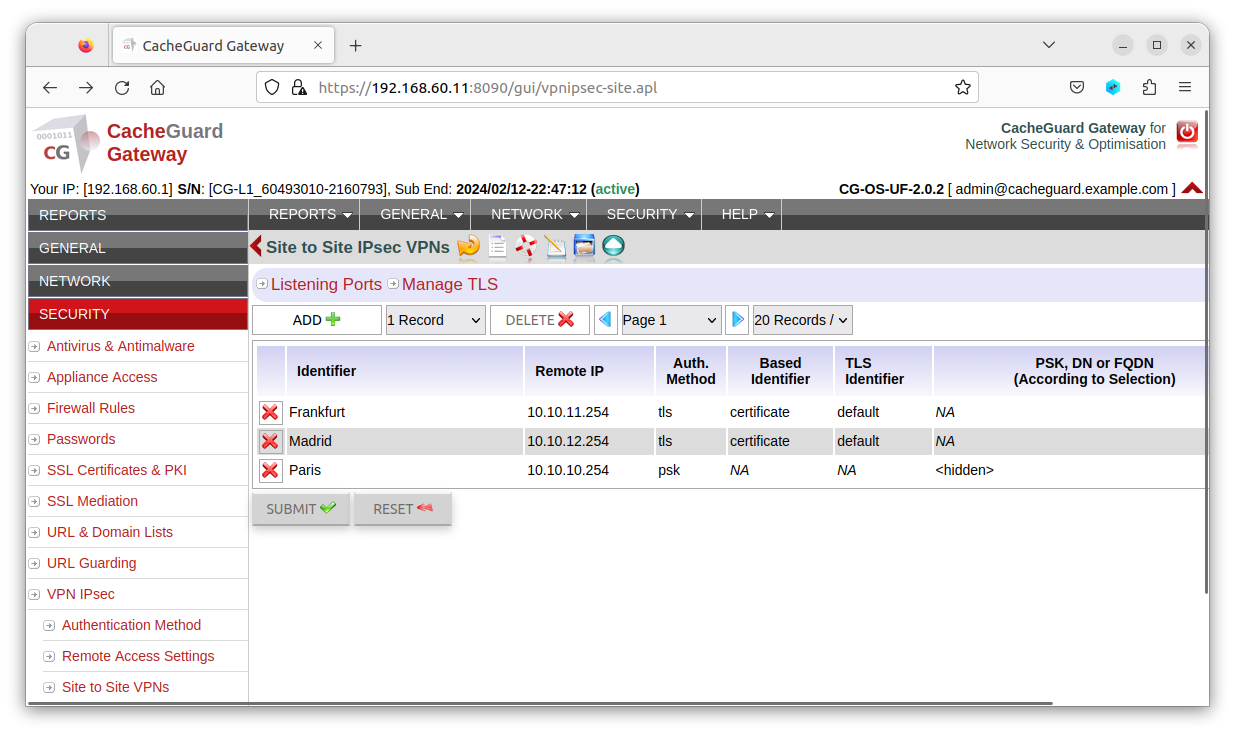
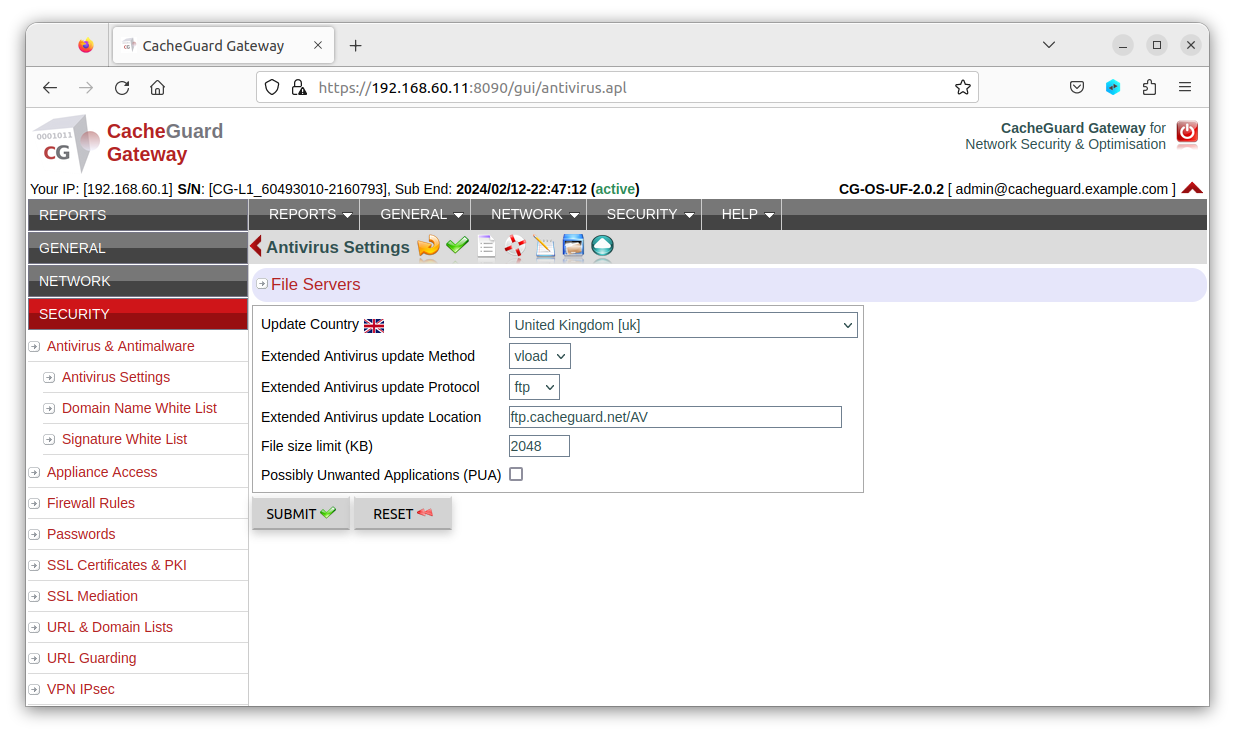
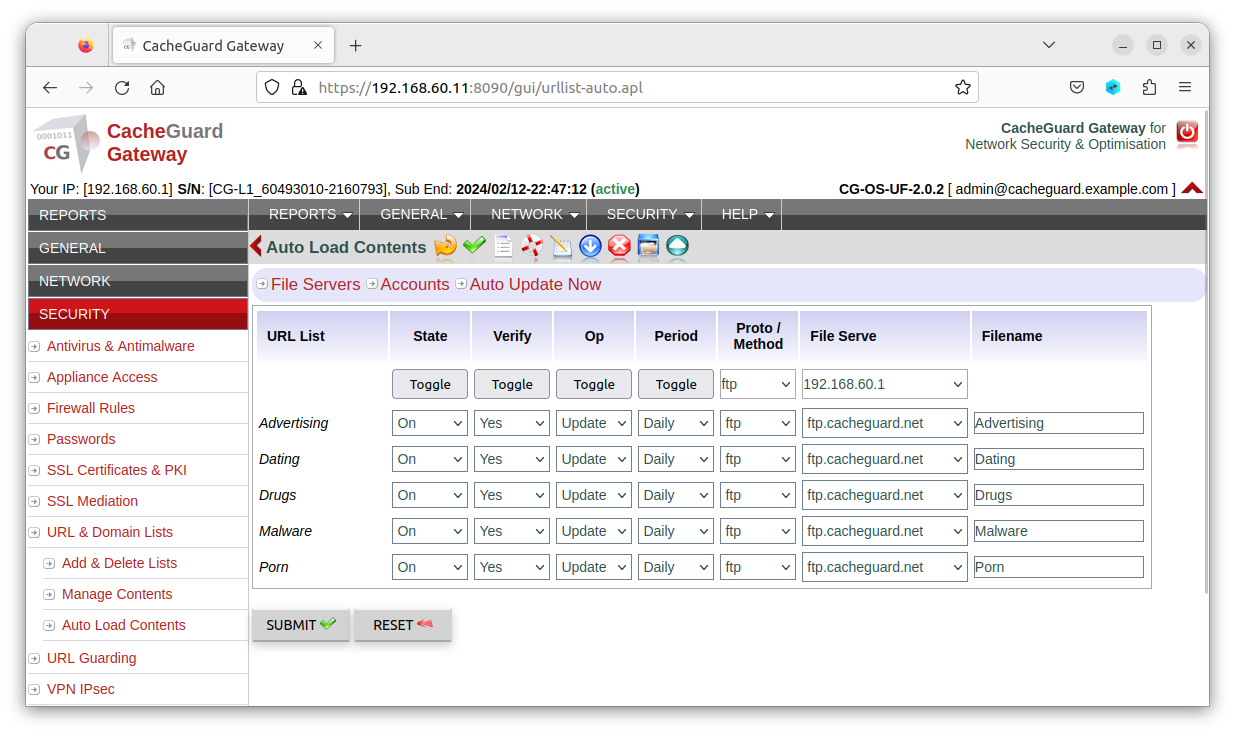
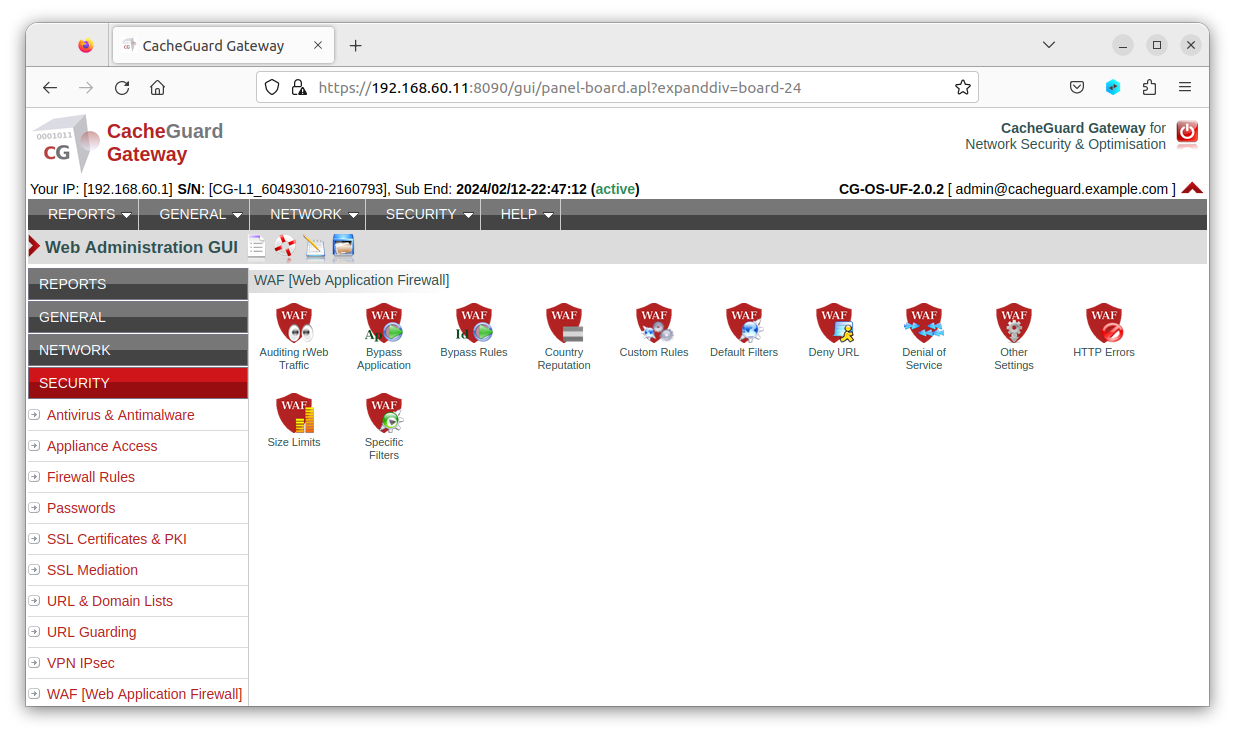
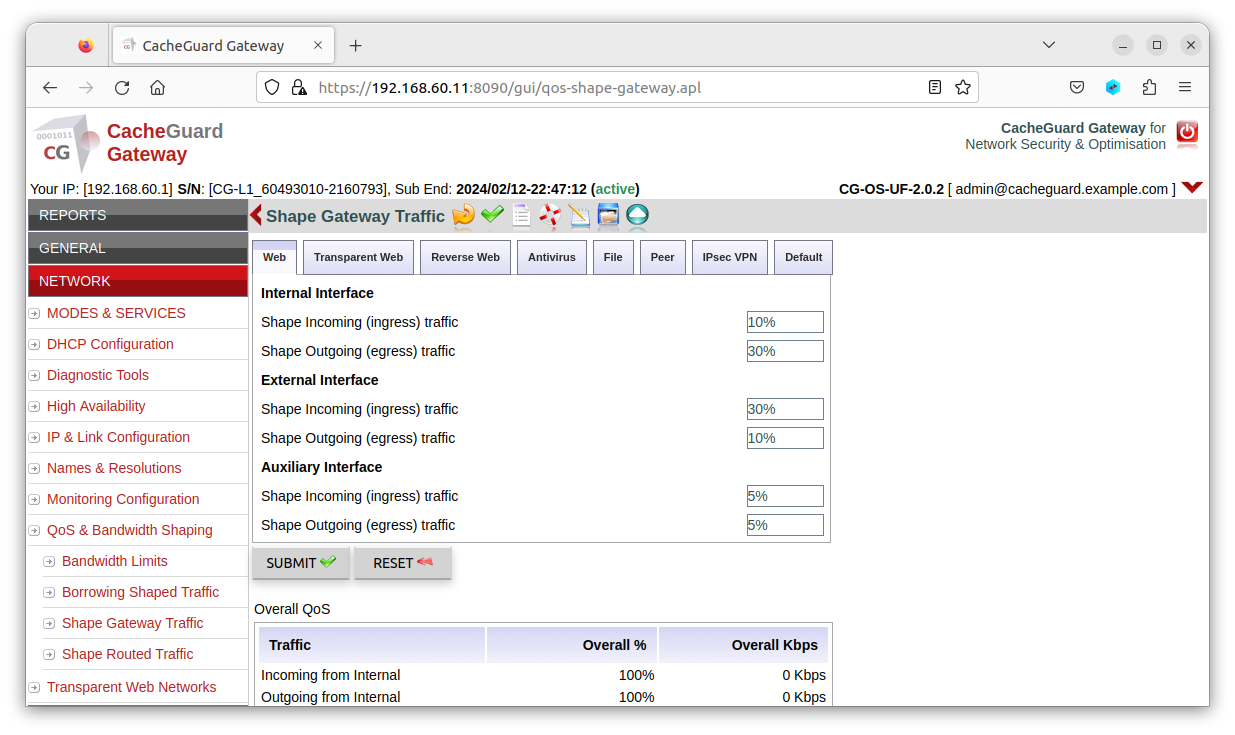
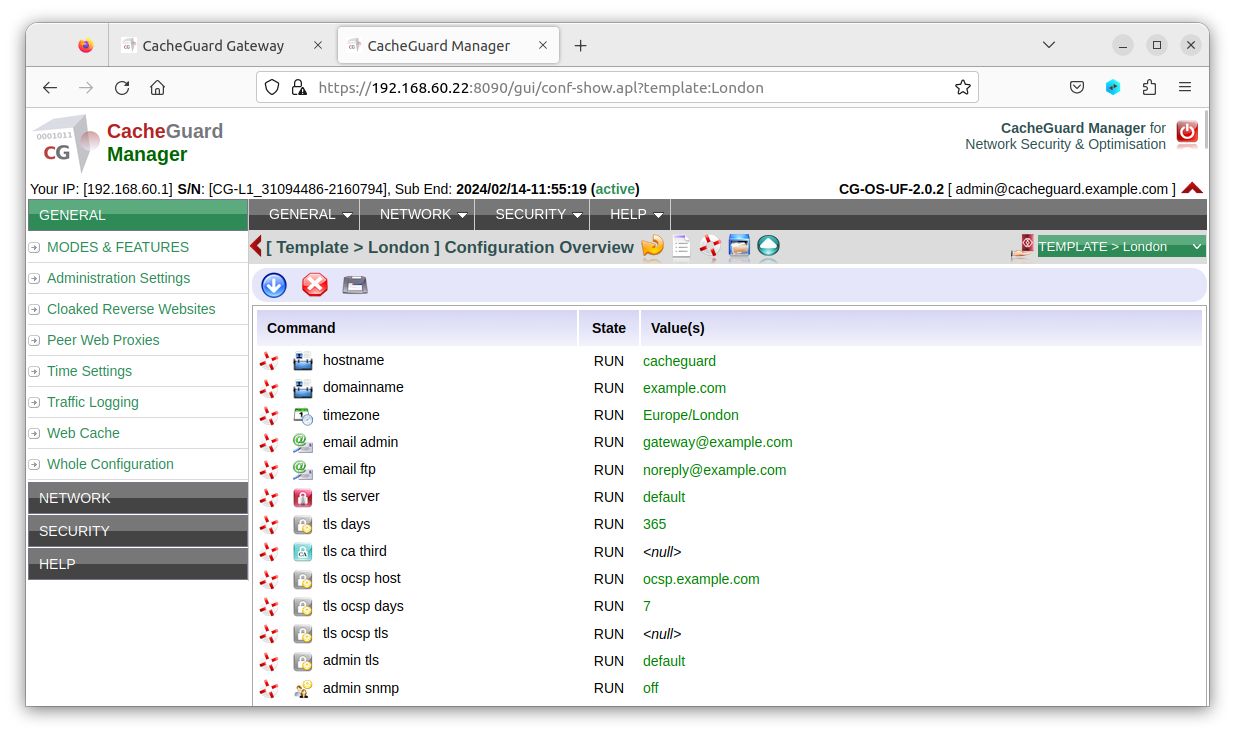
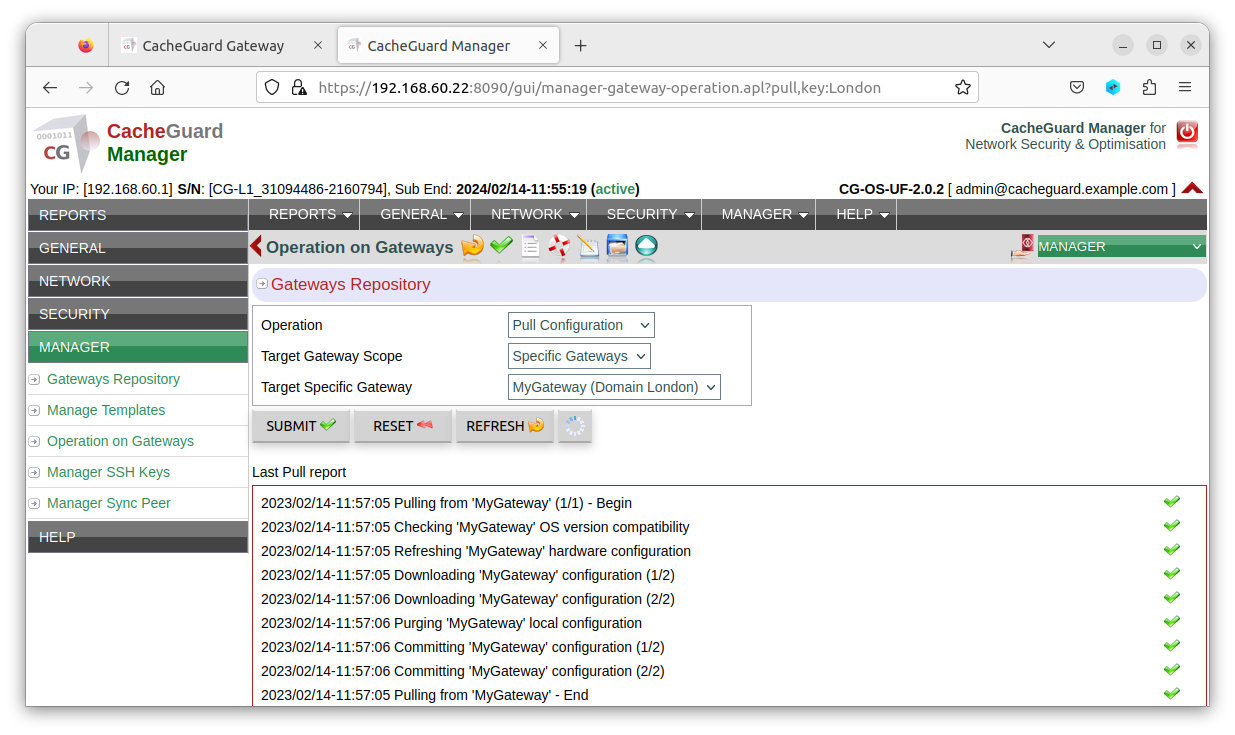
Below are some screenshots of the web GUI of the gateway, with red menus to distinguish it from the manager, which uses green menus. The manager allows you to centrally manage multiple gateways, reducing the time spent on administration and configuration. During installation, you can choose between the two products (both the gateway and the manager are included on the same bootable installation CD-ROM).
CacheGuard-OS Licensing
CacheGuard-OS is the result of combining various Open Source software (as defined by the OSI) and proprietary software developed by CacheGuard Technologies. All software created by CacheGuard Technologies is licensed under the GNU General Public License v3 (GPLv3). However, the aggregation of both CacheGuard Technologies software and third-party software that makes up CacheGuard-OS is licensed under the CacheGuard License Agreement.
While CacheGuard is free of charge, it is highly recommended to subscribe to a support contract to receive assistance if you encounter any difficulties. To subscribe to a support contract, visit the Purchase page.